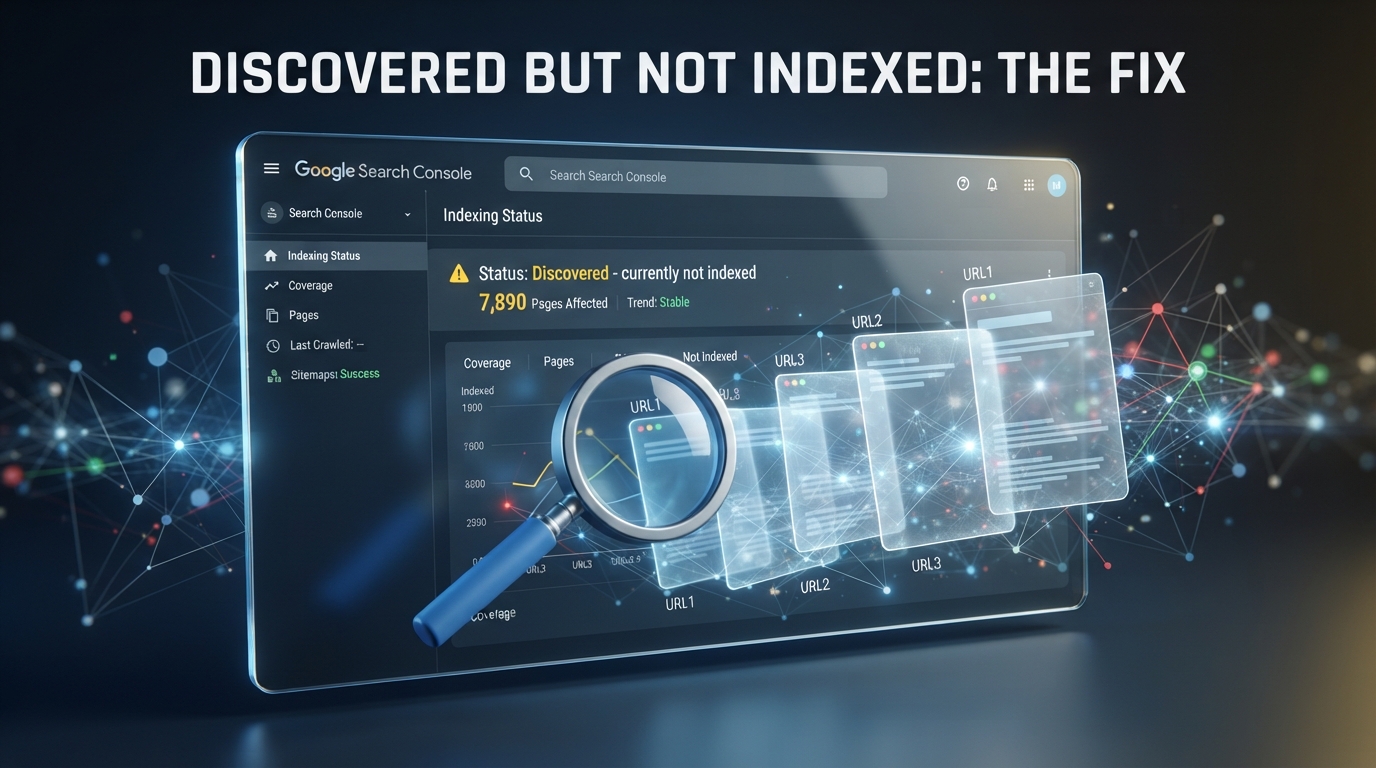
Google Discovered Currently Not Indexed: Why Your Pages Are Not Indexed and How to Fix It
One of the most frustrating problems for website owners is publishing a new article, waiting for Google to discover it, and then seeing the message Discovered - currently not indexed inside Google Search Console.
You may have written a detailed article, optimized the title, added images, submitted your sitemap and even requested indexing, yet the page still does not appear in Google search results.
The good news is that this status does not automatically mean that your website has been penalized or that Google has rejected your content permanently.
In this guide, we explain what Discovered - currently not indexed means, why it happens, how to diagnose the real problem and what you can do to improve the chances of getting your pages indexed.
What Does Discovered Currently Not Indexed Mean?
When Google shows Discovered - currently not indexed, it generally means that Google knows about the URL but has not yet crawled and processed the page for indexing.
This is different from a page that has already been crawled but is not currently indexed.
In simple terms, Google knows that your page exists, but it has not decided to fully process it yet.
Why Is Google Not Indexing My Page?
There is no single reason why a page remains outside the Google index. Several technical and content related factors can influence how quickly Google crawls and processes a URL.
1. Your Website Is New
New websites often have fewer external signals, fewer internal links and less established crawl history.
If your website has only recently launched, Google may need more time to understand the structure, content and importance of your pages.
This is especially common when a website publishes many pages immediately after launch.
2. Weak Internal Linking
Internal links help Google understand which pages are important.
If you publish an article but no other important page links to it, Google may have less reason to prioritize that URL.
A strong internal linking structure can help search engines discover relationships between articles and understand the hierarchy of your website.
3. Your Sitemap Is Not Properly Configured
An XML sitemap helps search engines discover important URLs.
Make sure your sitemap contains the canonical URLs that you actually want Google to index.
Remove unnecessary URLs, duplicate pages, parameter URLs and pages that should not appear in search results.
4. Duplicate Content
If several pages contain very similar information, Google may decide that indexing every version does not provide additional value to users.
For example, publishing five articles that explain exactly the same topic with slightly different titles may create a weak content structure.
Each important page should have a clear purpose and provide unique value.
5. Low Value or Thin Content
A short article with little original information may not provide enough value to deserve a strong position in search results.
This does not mean every article needs thousands of words.
The important point is that the article should answer the search intent better than a simple collection of generic information.
6. Crawl and Server Problems
If your server is slow, unstable or frequently unavailable, Google may experience problems while crawling your website.
Check your hosting performance, HTTP status codes, redirects and server errors.
A page should return a normal successful HTTP response when Google accesses it.
7. Robots.txt Problems
Your robots.txt file should not accidentally block Googlebot from accessing important content.
A simple configuration for a website that wants its public pages crawled can look like this:
User-agent: *
Disallow:

Sitemap: https://example.com/sitemap.xml
Replace the example domain with your own website address.
8. Noindex Meta Tag
Check the HTML source of the page and make sure it does not contain a noindex directive if you want Google to index the page.
A page containing a noindex instruction tells search engines that the page should not be included in the search index.
How to Fix Discovered Currently Not Indexed
Instead of repeatedly pressing the request indexing button, follow a complete diagnostic process.
Step 1: Inspect the URL in Google Search Console
Open Google Search Console and use the URL Inspection tool.
Enter the complete URL of the page that is not indexed.
Check whether Google can access the page and whether there are any indexing or canonical problems.
Step 2: Test the Live URL
Use the live URL testing feature in Google Search Console.
The goal is to confirm that Google can access the page successfully.
If the live test shows a technical problem, fix that problem before requesting indexing again.
Step 3: Check Your Canonical URL
Every important page should have a clear canonical URL.
Make sure the canonical URL points to the preferred version of the page.
A common problem occurs when several URLs show the same content but the canonical configuration points somewhere else.
Step 4: Add Strong Internal Links
This is one of the most useful actions you can take.
Add links to the new article from older and relevant pages on your website.
For example, if you publish an article about Google indexing problems, link to it from articles about SEO, Google Search Console, XML sitemaps and website optimization.
Step 5: Improve the Article
Do not simply increase the word count.
Instead, improve the usefulness of the page.
- Answer the main question immediately.
- Explain the causes clearly.
- Provide practical solutions.
- Add useful examples.
- Include relevant screenshots where appropriate.
- Add frequently asked questions.
- Link to related articles.
- Keep the information accurate and updated.
Step 6: Check the Sitemap
Make sure the URL appears in your XML sitemap.
Your sitemap should contain valid canonical URLs and should not contain pages that are blocked, deleted or marked as noindex.
Step 7: Request Indexing
After fixing technical and content issues, return to Google Search Console and request indexing.
Requesting indexing is useful, but it should not replace fixing the underlying problem.
Google decides which URLs to crawl and index based on many factors, and submitting a URL does not guarantee immediate indexing.
What If Google Says Crawled Currently Not Indexed?
This situation is slightly different.
Crawled - currently not indexed means Google has already crawled the page but the URL has not been included in the index.
When this happens, focus more heavily on content quality, duplication, canonical configuration, internal linking and the overall value of the page.
Do not assume that requesting indexing repeatedly will solve the problem.
Should You Delete Pages That Are Not Indexed?
Not necessarily.
If a page is useful, unique and relevant, there is usually no reason to delete it simply because it has not been indexed yet.
Instead, investigate why Google is not prioritizing or indexing it.
However, if you have hundreds of automatically generated, duplicate or extremely low value URLs, cleaning up those URLs can improve the overall structure of your website.
How Long Does Google Indexing Take?
There is no guaranteed indexing time.
Some pages can be discovered and indexed quickly, while others may take significantly longer.
New websites and websites with weak authority may need more time before Google consistently crawls new content.
The important thing is to make sure there are no technical barriers preventing Google from accessing your pages.
A Practical Indexing Checklist
If your article is stuck in Discovered - currently not indexed, check the following list:
- Is the URL accessible?
- Does the page return HTTP 200?
- Is the page blocked by robots.txt?
- Does the page contain a noindex directive?
- Is the canonical URL correct?
- Is the URL included in the XML sitemap?
- Does another page link to it?
- Is the content unique?
- Does the article answer a real search intent?
- Does the website have unnecessary duplicate URLs?
- Is the server fast and stable?
- Have you improved the page before requesting indexing again?
Common Mistakes Website Owners Make
Submitting the Same URL Repeatedly
Many website owners repeatedly request indexing every few hours.
This is usually not the best strategy.
Fix the page first, strengthen the website structure and then request indexing.
Publishing Too Many Similar Articles
Publishing large numbers of very similar AI generated or rewritten articles can create a website where many URLs provide little unique value.
Instead of publishing dozens of similar pages, focus on fewer articles that provide comprehensive and genuinely useful information.
Ignoring Internal Links
A new article should not exist as an isolated page.
Connect it with relevant content throughout your website.
Best Strategy for New Websites in 2026
If you are building a new website, focus on quality and structure rather than publishing hundreds of pages as quickly as possible.
Create strong topic clusters.
For example, a technology website could create a main guide about Google Search Console and then publish supporting articles about indexing, sitemap errors, robots.txt, canonical URLs and technical SEO.
Connect these articles with internal links.
This creates a clear information structure that is easier for both users and search engines to understand.
Frequently Asked Questions
Is Discovered Currently Not Indexed an Error?
Not necessarily. It means Google knows about the URL but has not yet crawled and indexed it. It can be temporary and does not automatically indicate a penalty.
Why Is Google Not Indexing My New Article?
Possible reasons include weak internal linking, low crawl priority, duplicate content, technical problems, sitemap issues, canonical problems or content that does not provide enough unique value.
Should I Request Indexing Again?
Yes, but only after checking and improving the page. Repeated requests without fixing the underlying issue are unlikely to solve the problem.
Does Sitemap Submission Guarantee Indexing?
No. A sitemap helps Google discover URLs, but inclusion in a sitemap does not guarantee that every URL will be indexed.
Can Internal Links Help Google Index My Pages?
Yes. Relevant internal links can help Google discover important pages and understand how those pages relate to the rest of your website.
Should I Delete Every Page That Is Not Indexed?
No. Keep useful and unique pages and improve them. Consider removing or consolidating pages that are duplicated, obsolete or provide little value.
Final Solution
The most effective way to solve Discovered - currently not indexed is not to search for a single magic button.
Instead, build a technically accessible website with a clean sitemap, correct canonical URLs, strong internal linking, stable hosting and genuinely useful content.
After fixing these areas, use Google Search Console to inspect the URL and request indexing.
Remember that Google controls the final indexing decision. Your goal is to make every important page easy to discover, easy to crawl and valuable enough to deserve inclusion in search results.
If you are experiencing indexing problems today, start with the URL Inspection tool, check robots.txt and noindex settings, verify your sitemap and canonical URL, then strengthen the internal links pointing to the affected page.